ETS/ATS Advanced CoPilot
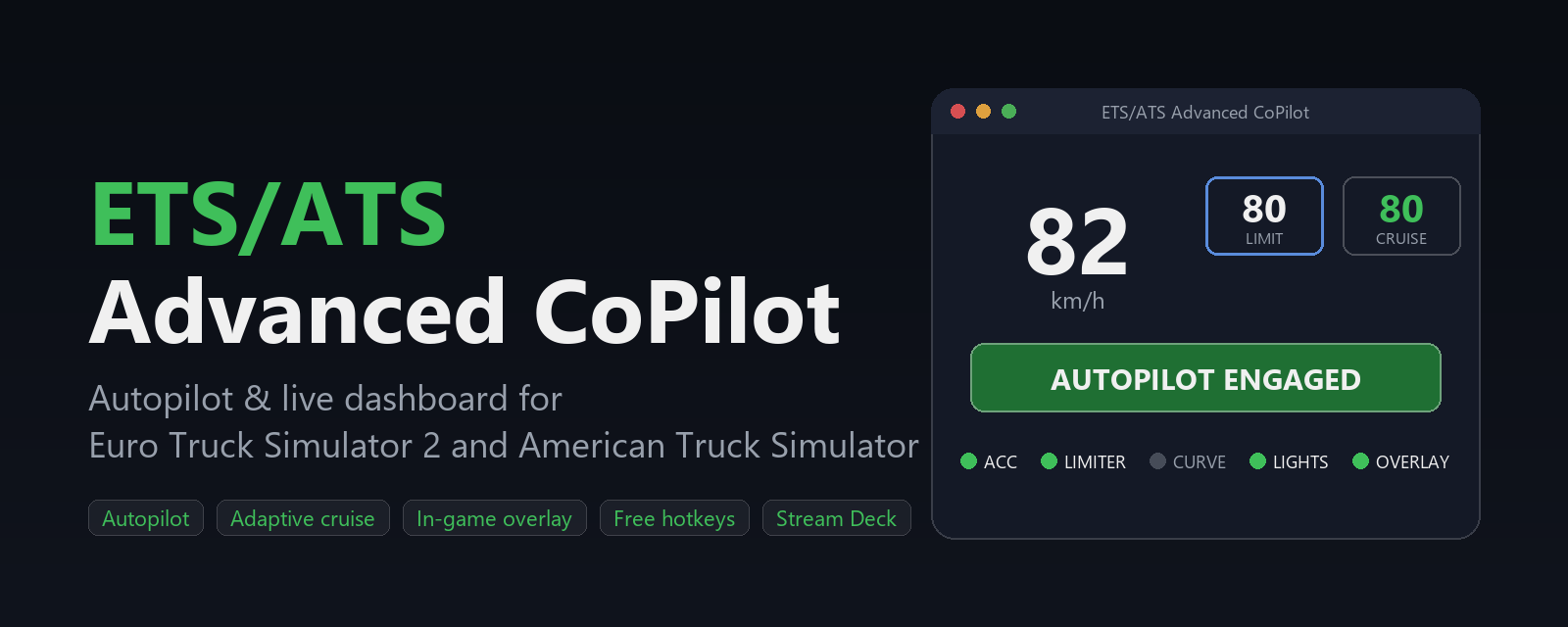
A free standalone autopilot and control panel for Euro Truck Simulator 2, made by Danish Truckers. Live telemetry, speed and cruise control, curve slowdown, automatic lights, an in-game overlay and global hotkeys — one exe, no installation of Python or anything else required.
By donating you request immediate delivery of the download link and accept our Terms of Use and Privacy Policy. The 14-day right of withdrawal lapses when delivery begins.
Already donated? Get a new download link
Download links are valid for 30 minutes. Enter the email address you donated with and we will send you a fresh link.
The app is completely free. If you enjoy it, please consider a donation (minimum €5) — it keeps our servers and free tools running.
Installation
- Unpack the ZIP and run "ETS-ATS Advanced CoPilot.exe" — it finds your Steam games and offers to install the game plugin automatically (ETS2 and ATS).
Note: the app is not yet code-signed, so the first time you run it Windows SmartScreen may show "Windows protected your PC". This is expected for a small independent tool. Click More info and then Run anyway. Alternatively, right-click the exe, choose Properties and tick "Unblock" before starting it.
- Start the game and click OK on the one-time "Advanced SDK features" prompt.
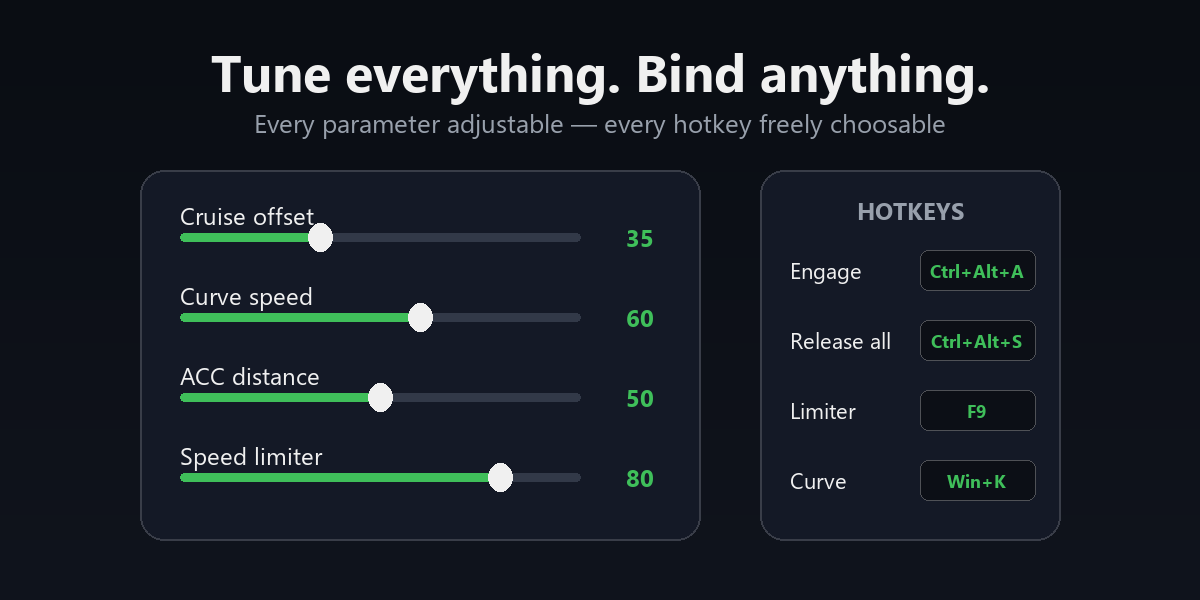
- Start driving — the app connects automatically. Tune everything (autopilot, overlay, your own hotkeys) under "settings" in the app.
Highlights
- Autopilot: follows the posted speed limit, slows down through curves, uses the retarder downhill and yields the moment you touch the pedals.
- Live dashboard: speed, limit, cruise set point, gear, fuel, route and job info.
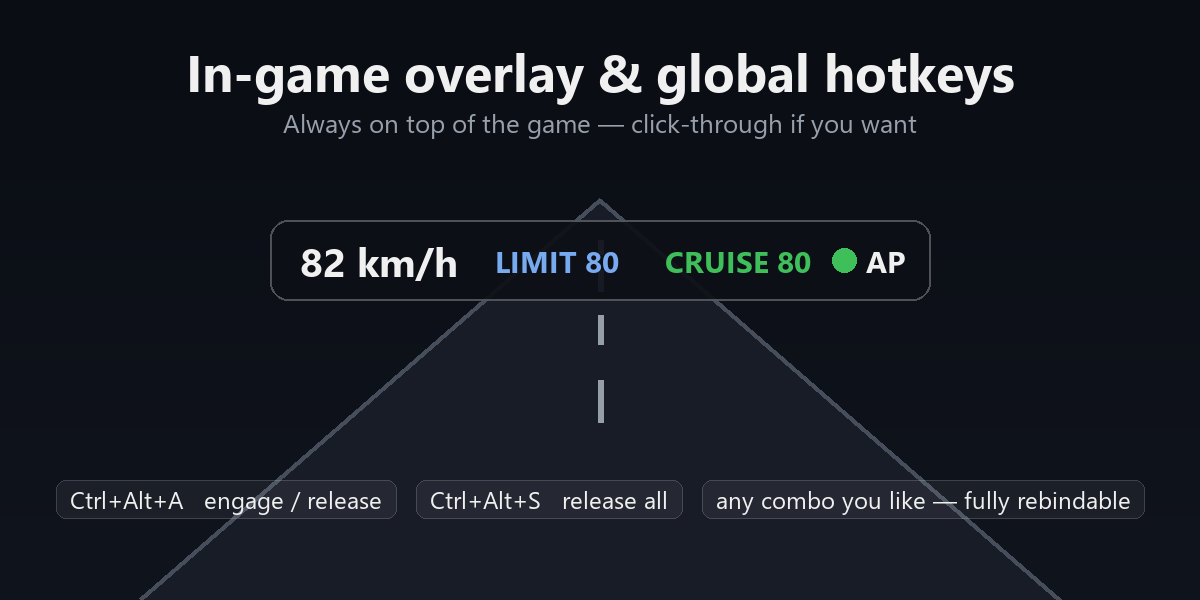
- In-game overlay and global hotkeys (Ctrl+Alt+A engage/release) that work while the game has focus.
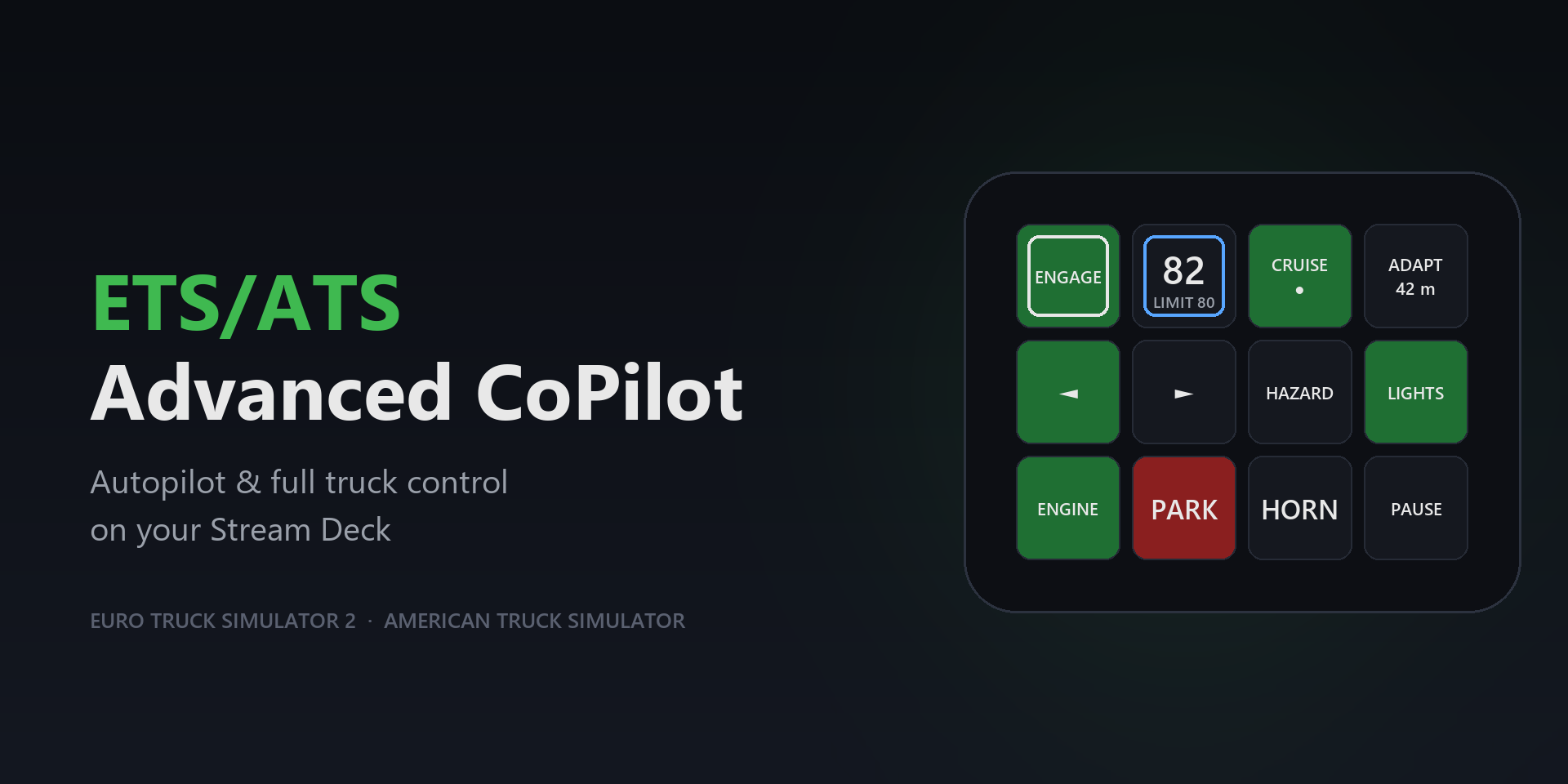
- Manual buttons for blinkers, lights, horn, engine, parking brake, camera and more.
- Built on the official SCS SDK — no fake keypresses, and your own keyboard and wheel always keep working.
Requirements: Windows 10/11 (64-bit) and Euro Truck Simulator 2 or American Truck Simulator (Steam).